




Automation: How It Works, Benefits, Types and Business Uses
Automation means using technology, software, machines, or systems to do tasks with little human effort.
Today, many businesses use Automation every day. For example, companies automate emails, invoices, factory machines, software updates, and data entry. As a result, teams can save time and spend less effort on repeated tasks.
The main idea is simple. Instead of asking a person to repeat the same task, a system does it by following set rules or instructions.
Automation can be as simple as a scheduled email. On the other hand, it can also involve a factory system that checks machines and changes how they work.
How Does Automation Work?
Automation usually combines four basic parts: input, rules, process, and result.
First, a system receives information or notices an event. Next, it checks that information against a set of rules. Then, it takes the required action.
For example, an online store can send an order confirmation when a customer completes a purchase.
The basic workflow looks like this:
Trigger → Process → Action → Result
A trigger starts the workflow. Next, the system checks the information and follows the required steps. Finally, the action produces the expected result.
In addition, advanced systems can connect sensors, APIs, databases, software, machines, and monitoring tools.
Why Is Automation Important?
Businesses handle many repeated tasks every day. When employees do all of this work manually, they can lose valuable time. Mistakes may also happen because of tiredness or repeated work.
Automation helps teams complete routine tasks faster. Therefore, employees can spend more time on work that needs creativity, communication, judgment, and problem-solving.
For instance, a company can automate customer messages, employee onboarding, invoice processing, data transfers, software testing, and reports.
As a result, businesses can handle more work without adding the same amount of manual effort.
Types of Automation
Automation comes in different forms. The right type depends on the task, the level of work, and the technology involved.
Basic Automation
Basic Automation handles simple tasks that follow clear rules.
For example, businesses can automate email replies, scheduled reports, calendar reminders, and file backups.
Usually, these workflows are easy to set up. They also need very little decision-making.
Process Automation
Process Automation connects several steps in a business workflow.
For example, a customer may submit a form. The system can then check the details, create a CRM record, alert a sales representative, and send a confirmation email.
Because of this, one automated process can connect several teams and applications.
Intelligent Automation
Intelligent Automation combines traditional Automation with tools such as machine learning, natural language processing, and data analysis.
These systems can handle tasks that need more analysis. Before taking action, they can review information and look for useful patterns.
For instance, an intelligent system can read customer requests and send each request to the right department.
Industrial Automation
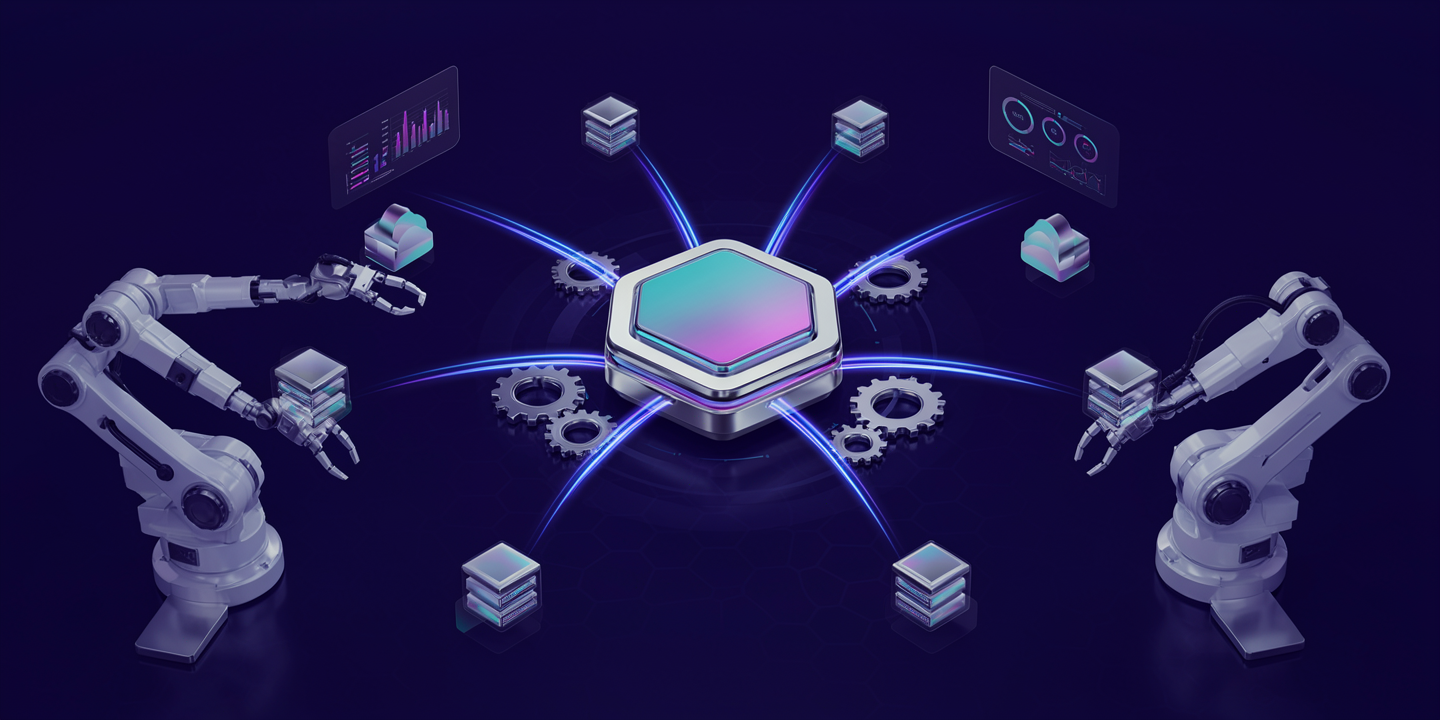
Industrial Automation uses machines, sensors, control systems, and software to manage factory work.
For example, robots can handle assembly, packaging, inspection, and material movement.
As a result, factories can improve production quality, safety, and speed.
IT Automation
IT Automation focuses on technology-related tasks.
Common examples include software deployment, server setup, system monitoring, backups, testing, infrastructure setup, and security checks.
Today, IT Automation plays an important role in software development. It also helps DevOps teams reduce routine work.
Common Examples of Automation
Automation is already part of many business activities. In fact, people often use automated services without thinking about them.
Email Automation
Businesses can automatically send welcome emails, order confirmations, appointment reminders, and follow-up messages.
In addition, marketing teams can create campaigns that respond to customer actions.
Customer Support Automation
Chatbots and automated support systems can answer common questions and provide basic information.
They can also send difficult issues to human support agents. Therefore, teams can respond faster while still giving customers access to human help.
Invoice Processing
Organizations can automate invoice collection, data entry, approval steps, payment reminders, and record updates.
As a result, finance teams can spend less time on repeated invoice work.
Software Deployment
Development teams can automate software builds, tests, security checks, and deployments.
This approach helps teams release software more often. It also reduces manual deployment work.
Data Entry
Automation can move information between systems without requiring employees to copy and paste data.
Therefore, teams can reduce repeated work and lower the risk of data entry mistakes.
Manufacturing
Factories use automated machines and robots for assembly, packaging, inspection, and quality checks.
In turn, these systems can help factories maintain steady production while improving speed and safety.
Benefits of Automation
Automation can provide several useful benefits to organizations.
Increased Efficiency
Automated systems can complete repeated tasks quickly and consistently.
Therefore, employees can spend more time on important work instead of routine tasks.
Reduced Human Error
Manual processes can lead to mistakes. For example, tiredness, distractions, and unclear steps can increase the risk of errors.
Automation follows set instructions each time. As a result, businesses can make repeated processes more consistent.
Lower Operational Costs
Automation can reduce the manual effort needed for routine work.
Over time, this can help businesses control costs. It can also help teams use their time and resources better.
Faster Processes
Automated workflows can run without stopping. They can also complete many tasks faster than manual processes.
For example, an automated software pipeline can build and test an application whenever a developer submits new code.
Improved Consistency
Automation helps teams follow the same process each time.
Because of this, it can support quality checks, compliance tasks, and standard business processes.
Better Scalability
Manual processes can become harder to manage as a business grows.
However, Automation can help teams handle larger workloads without increasing manual work at the same rate.
Automation in Business
Businesses in many industries use Automation to improve daily work.
For example, marketing teams can automate campaigns, customer groups, and reports.
At the same time, sales teams can automate lead assignment, follow-up
Automation in IT
IT departments are major users of Automation.
For example, system administrators can automate software installation, server setup, backups, monitoring, and routine maintenance.
Meanwhile, development teams can automate testing and software deployment.
Cloud teams can use Automation to create and set up computing resources.
In addition, security teams can automate vulnerability scans, alerts, and some response tasks.
As a result, IT teams can respond faster and keep systems more consistent.
Automation and DevOps
Automation is a key part of DevOps.
Development and operations teams use it to create repeatable steps for building, testing, deploying, and monitoring software.
For example, a CI/CD pipeline can run tests after a developer submits new code. If the tests pass, the pipeline can continue with more checks and deployment steps.
Similarly, Infrastructure as Code lets teams define infrastructure through configuration files instead of setting up resources by hand.
Therefore, Automation helps DevOps teams reduce routine work, improve consistency, and deliver software faster.
Automation vs Artificial Intelligence
Automation and Artificial Intelligence are related, but they are not the same.
Traditional Automation usually follows predefined rules.
For example, a workflow can send an email whenever a customer submits a form.
Artificial Intelligence works differently. It can analyze information, find patterns, create content, make predictions, and support decisions.
Today, businesses can combine both technologies. Intelligent Automation uses AI inside automated workflows to handle tasks that need more flexible analysis.
However, not every automated process needs AI. Simple rule-based tasks can often work well without it.
Automation vs Manual Processes
Manual processes depend on people to complete each step.
Automation moves some or all of those steps to technology.
For example, an employee may need to read an invoice, enter its details, send it for approval, and update financial records.
An automated workflow can handle several of these steps without manual input.
Still, Automation does not always remove people from the process. Human oversight can remain important for exceptions, approvals, complex decisions, and quality checks.
Challenges of Automation
Automation offers many benefits, but it can also create challenges.
First, businesses may need to spend time and money to design and set up automated workflows.
They may also need to connect different software systems, change existing processes, and train employees.
More importantly, poor Automation can create new problems. If a company automates a weak process without fixing it first, the same problem may simply happen faster.
Security also matters. Automated systems often need access to business data and applications. Therefore, companies must manage passwords, access rights, and permissions carefully.
Finally, businesses should monitor automated workflows and create clear steps for handling errors. This helps teams find and fix problems before they become larger issues.
Best Practices for Automation
Successful Automation starts with choosing the right process.
First, businesses should find repeated tasks that can provide clear benefits when automated.
Next, teams should understand the current workflow. They should remove unnecessary steps before adding Automation.
After that, businesses can start with simple and low-risk processes. These tasks should also have clear results that teams can measure.
In addition, teams should create monitoring and reports. These tools can help them find problems quickly.
Documentation is important too. Employees should know what a workflow does, what starts it, and what to do when something goes wrong.
Finally, security should be part of the process from the beginning. This becomes even more important when Automation uses private data, passwords, or access to important systems.
How to Choose a Process for Automation
Not every task needs Automation.
A good choice is usually a task that is repeated often, follows clear rules, takes time, and has a clear result.
Before automating a task, organizations can ask a few simple questions.
Does the task happen regularly?
Does it follow clear rules?
Does it take a lot of employee time?
Does it often create avoidable mistakes?
Can the business measure the result?
If several answers are yes, the task may be a good choice for Automation.
Future of Automation
The future of Automation will likely bring closer connections between software, cloud computing, robotics, data analysis, and Artificial Intelligence.
At the same time, businesses are looking for ways to automate more complex workflows while keeping people involved when human judgment is needed.
Automation will also grow beyond IT and manufacturing. For example, customer service, finance, healthcare, logistics, marketing, and education can all use automated processes.
Over time, the focus may move from automating single tasks to automating complete workflows across several systems.
Conclusion
Automation uses technology to perform tasks and processes with little human effort.
It can help businesses improve efficiency, reduce repeated work, lower errors, increase consistency, speed up processes, and handle larger workloads.
From simple email workflows to industrial robots and software pipelines, Automation has uses across many industries.
However, successful Automation requires more than new technology. Businesses must understand their processes, choose the right tasks, use suitable tools, monitor workflows, and keep human oversight where it matters.
As technology continues to improve, Automation will remain an important part of how businesses increase productivity and build more efficient operations.
Connect with BusinessInfoPro to discover expert perspectives that help businesses make smarter technology decisions with confidence.